Client Report
The run, as a document you can hand over.
One report per run — the same analyses the workspace shows, in the order a client reads them.
 ChatGPT
 Gemini
 Perplexity
 AI Overview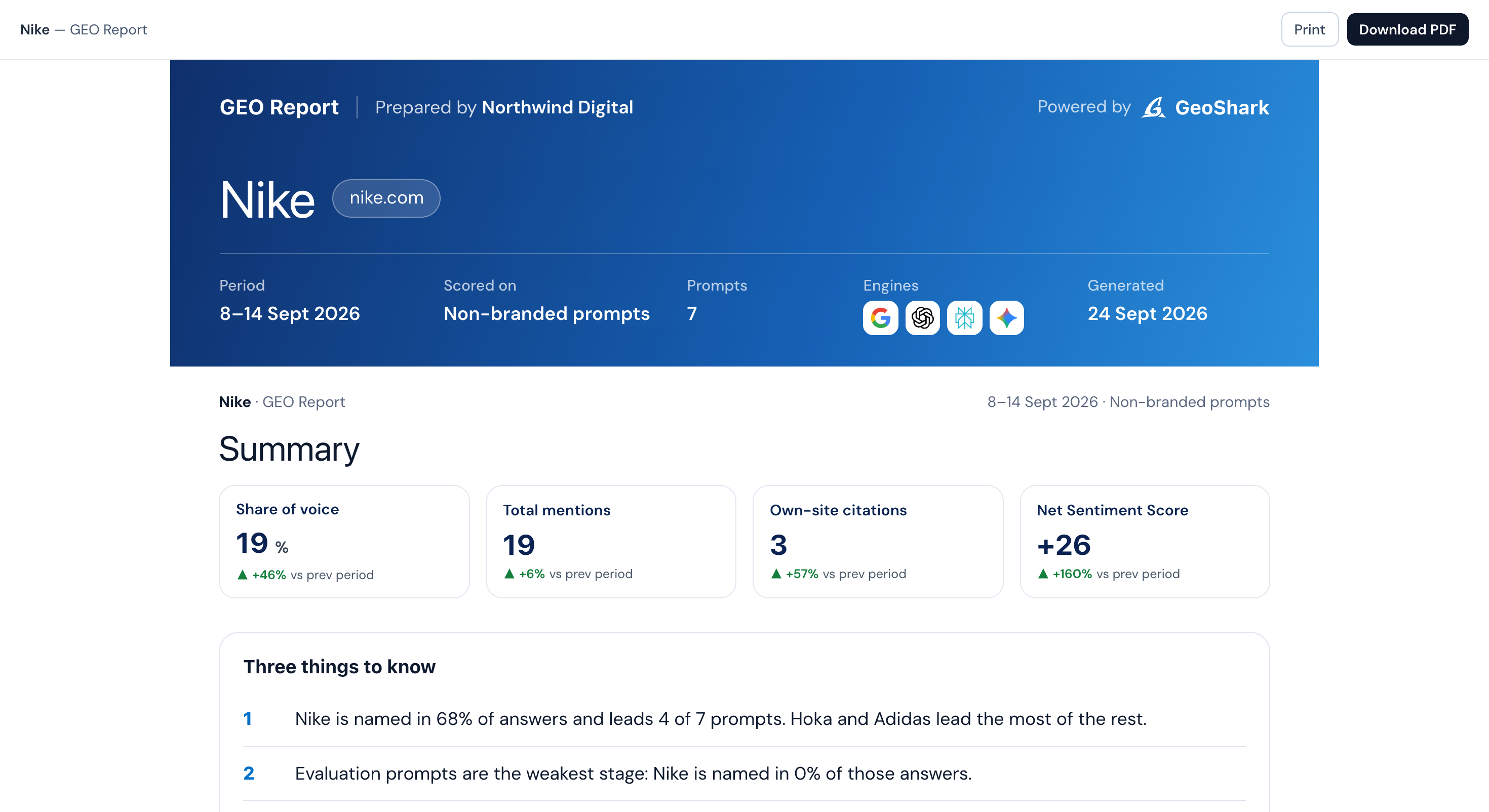
In one line
The client report is a GeoShark run rendered as a single document — a cover and summary, the six report sections, and a statement of what was not examined.
How it works
It is the same object as the workspace
The report reads off the same run as the screens, so a client and whoever runs it are looking at one set of numbers.
It carries the whole run
AI Visibility, Citation Coverage, AI Readiness, Brand Sentiment, Topics & Prompts and Actionable Insights — every plan hands over all of it.
It hands over two ways
A shareable link that needs no login, or a PDF that splits cleanly across A4 pages.
What you get
- All six report sections in one document, from AI Visibility to Actionable Insights
- Written in the order a client reads it, not the workspace layout
- A shareable link — the client needs no account
- A print-clean PDF, each section on its own page
- A written opening line when the run has one
- A plain statement of scope and what was not measured
The client report, answered
Does it update after I send it?
No — the link points at one run, so the client sees the report as it stood. Send a fresh link after a later run.
Does the client need a GeoShark account?
No. The report link is open — the run id is the secret. A client opens it like any other document they are sent, with no login and no prompt to make one.
Can I choose which sections it includes?
No — every report carries all six sections, in the same order as the workspace tabs. Every paid plan gets the full report, so nothing in the document depends on which tier you are on.
How is the PDF generated?
The same page you share as a link is rendered to PDF on request, with the written commentary cached so a second download is instant. It is a GET, so the export menu link just works.
Read a full client report.
The sample report is a complete run on Nike. Sign in with Google and open it before you pay.